

Which Wallets Work With BFC? A BEP-20 Wallet Compatibility Guide
July 13, 2026
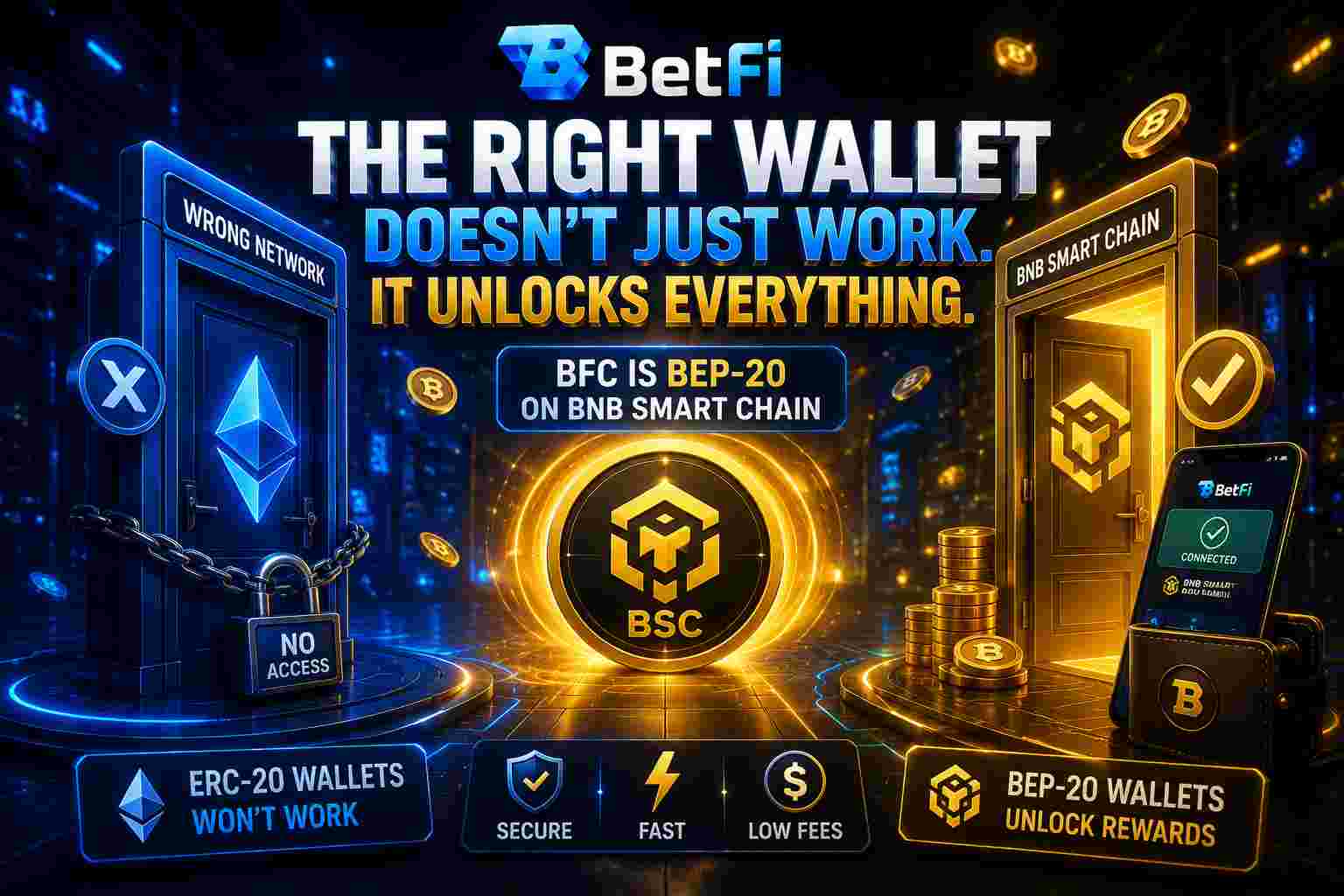
You can have the right key and still be standing at the wrong lock. That is exactly what happens to people who bring an Ethereum wallet, or an exchange account, to a BEP-20 token sale. The key is real. The door simply doesn't recognise it.
BFC runs on the BNB Smart Chain, and that one fact decides which wallets work, which ones fail silently, and which ones can cost you your tokens permanently. Ten minutes of setup now removes almost every way this goes wrong. Here's what to use.
BFC Is BEP-20 — and That Changes Everything
BetFi Coin follows the BEP-20 standard on the BNB Smart Chain, a network chosen for its low fees, fast confirmations and broad wallet support.
This immediately rules out a large category of wallets. An ERC-20-only wallet cannot hold BFC. Neither can MetaMask if you've left it sitting on Ethereum Mainnet. The transaction won't warn you politely — it will simply fail.
Wallets That Work
| Wallet | Platform | What to watch for |
|---|---|---|
| MetaMask | Web, Mobile | BNB Smart Chain must be added manually |
| WalletConnect | Web, Mobile | Bridges a wide range of mobile wallets to the presale site |
| Coinbase Wallet | Web, Mobile | Browser extension may be limited to Chrome and Brave |
| Trust Wallet | Mobile | Supported at the wallet connection step |
Wallets That Will Fail You
| Wallet | Why |
|---|---|
| Temple, Keplr | Not EVM-compatible. They cannot touch BNB Smart Chain at all |
| ERC-20-only wallets (e.g. Rainbow) | Built for Ethereum. BFC is BEP-20 |
| MetaMask on Ethereum Mainnet | Right wallet, wrong network. Switch chains first |
An Exchange Account Is Not a Wallet
This one deserves its own section, because it is the most expensive mistake on the list.
Your balance on a centralised exchange is not a wallet you control. The exchange holds your private keys — which means you cannot sign the smart-contract transaction that buying a BEP-20 token requires. Try it and your transaction may fail, or your tokens may be irretrievably lost.
The safe route is unambiguous:
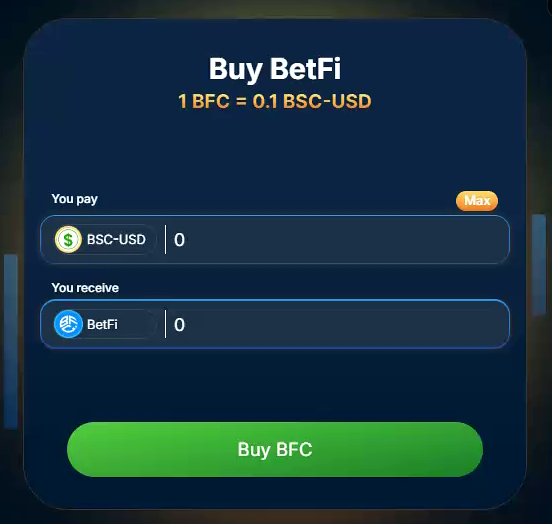
- Buy or convert to BSC-USD on the exchange.
- Withdraw it to a non-custodial BEP-20 wallet that you control.
- Connect that wallet to the presale site — never the exchange account.
Setting Up MetaMask for BNB Smart Chain
Open Settings → Networks → Add Network and enter these details:
- Network Name: BNB Smart Chain
- New RPC URL: https://bsc-dataseed.binance.org/
- Chain ID: 56
- Symbol: BNB
- Block Explorer: https://bscscan.com
Once that's done, you can verify any transaction afterwards by pasting its transaction ID into BscScan. And always confirm token contract addresses through BetFi's official channels — never from a search result or a direct message.
The buying steps themselves are covered in How to Buy BFC: A Step-by-Step Guide. Whichever route you take to fund the wallet, confirm the network is BNB Smart Chain before you hit send. Funds despatched over an unsupported network can be lost permanently, and no support ticket will bring them back.
The Same-Wallet Rule That Protects Your Cashback
This is the rule that quietly costs people real money.
Presale cashback is credited as USD points to your BetFi casino wallet only when you connect the same wallet you used to buy, once the casino goes live. Use a different one and cashback crediting may not be available — it becomes subject to BetFi management review.
Write down which wallet you used. Keep control of it. That single note is worth up to 50% of your purchase.
Keeping That Wallet Safe
- Store your seed phrase offline. BetFi cannot recover a MetaMask wallet — MetaMask is a separate company.
- BetFi will never ask for your password, seed phrase or private keys. Anyone who does is not BetFi.
- Check the URL and the padlock before you connect. Look-alike sites exist and they are convincing.
- Keep your browser and wallet extension updated.
- Consider a hardware wallet for larger holdings.
Your Game Plan Before You Buy
- Install a non-custodial BEP-20 wallet — MetaMask or Trust Wallet.
- Add BNB Smart Chain and switch to it.
- Fund it with BSC-USD, confirming the network before you send.
- Connect that wallet to the presale site.
- Keep using the same wallet all the way through to casino launch.
Final Thoughts: Get the Wallet Right and Everything Else Follows
Buying, cashback, staking, ranks, loyalty rewards — all of it hangs off one wallet address. Get that decision right at the start and the rest of the journey simply works.
Ready to set yours up?
Install a BEP-20 wallet, switch it to BNB Smart Chain, and connect it to the BetFi presale — then never change it.